Restoring a Wallet
Restoring a Bitcoin wallet from a seed phrase
Modern Bitcoin wallets are based on a seed phrase, also known as mnemonic.
The seed phrase usually has 12 or 24 words.
Additionally, some wallets may use an extra word called passphrase.
In summary, all you need to know to know to restore a wallet is the 12 or 24 word seed phrase and the passphrase, if one was used.
You can restore a wallet as a hot wallet or a cold wallet. A hot wallet is generally simpler, while a cold one is a lot more secure.
Restoring as a "hot wallet"
A hot wallet is one that resides on a device that is connected to the internet, like on a smartphone or laptop. As such, it is inherently more vulnerable to various forms of malware, so be very cautious with this approach.
Ideally, you shouldn't store large amounts of money on a hot wallet.
1. Install a Bitcoin wallet app
Some good options are:
- Blue Wallet - works on iOS and Android
- Nunchuk Wallet - works on iOS and Android
- Sparrow Wallet - works on Windows, Mac and Linux
- Wassabi Wallet - works on Windows, Mac and Linux
- Samourai Wallet - works on Android only
2. Use a VPN (optional)
To avoid associating your IP address with your Bitcoin addresses, it is strongly recommended to use a VPN from here on.
A good option is Proton VPN. It has a free tier, all you need is a Proton account.
3. Use your existing seed phrase to restore a wallet
The following steps are using Blue Wallet, but you could use any decent Bitcoin wallet in a similar manner.
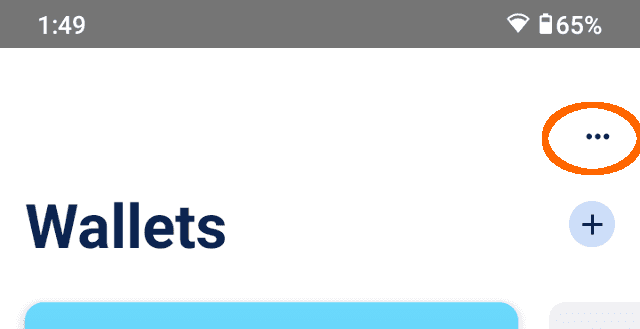
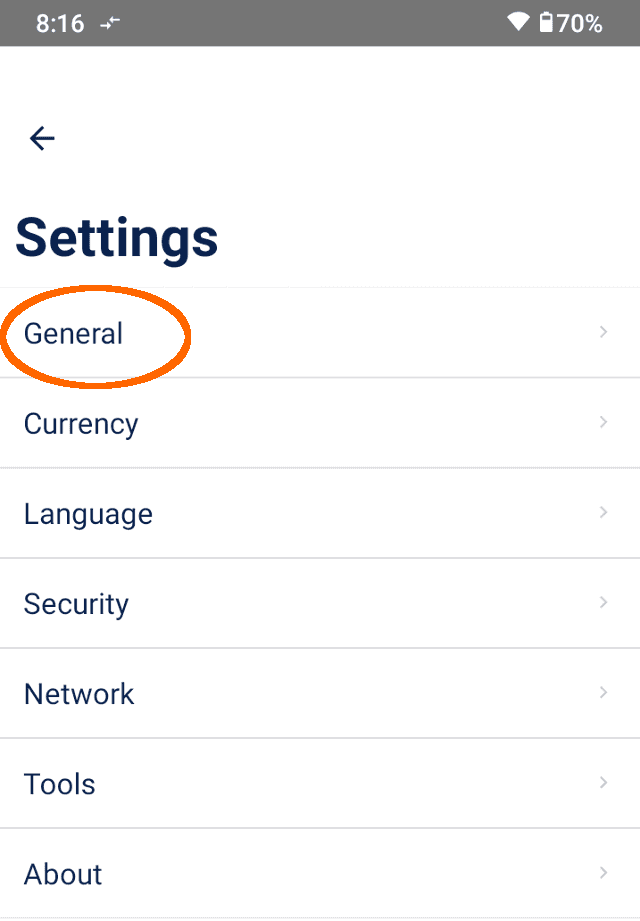
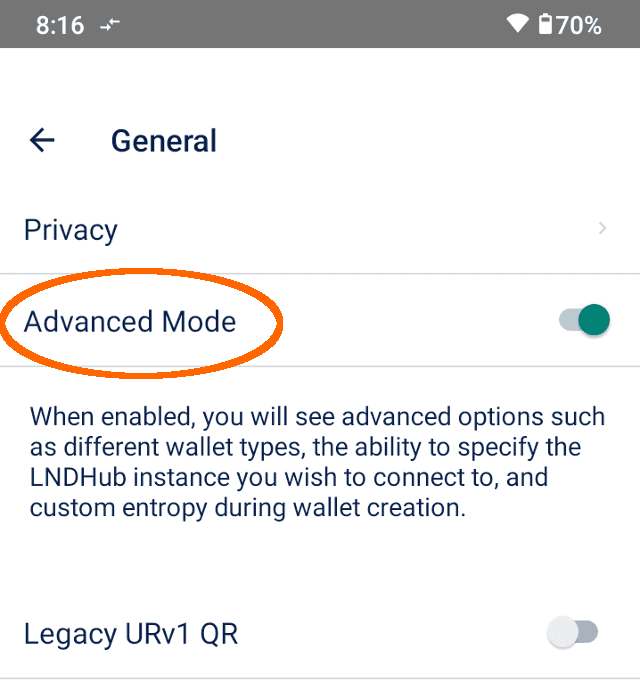
- If your wallet also has a passphrase, you need to enable Advanced Mode from the app's Settings. To do so, tap the 3-dot menu in the top-right -> Settings -> General -> Advanced Mode.
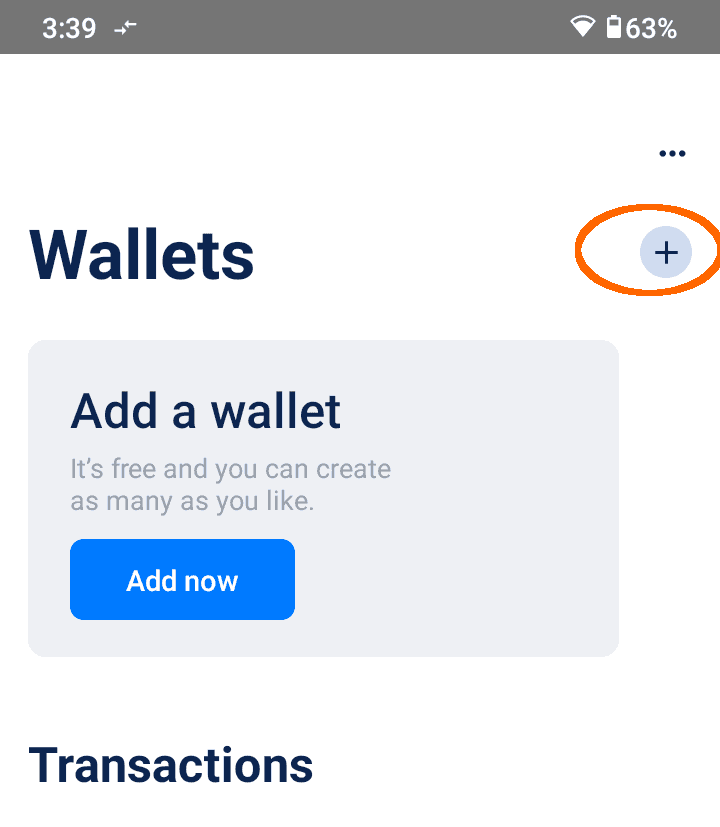
- From the main menu, tap on the + sign or on the Add now button.
- Tap on Import Wallet at the very bottom
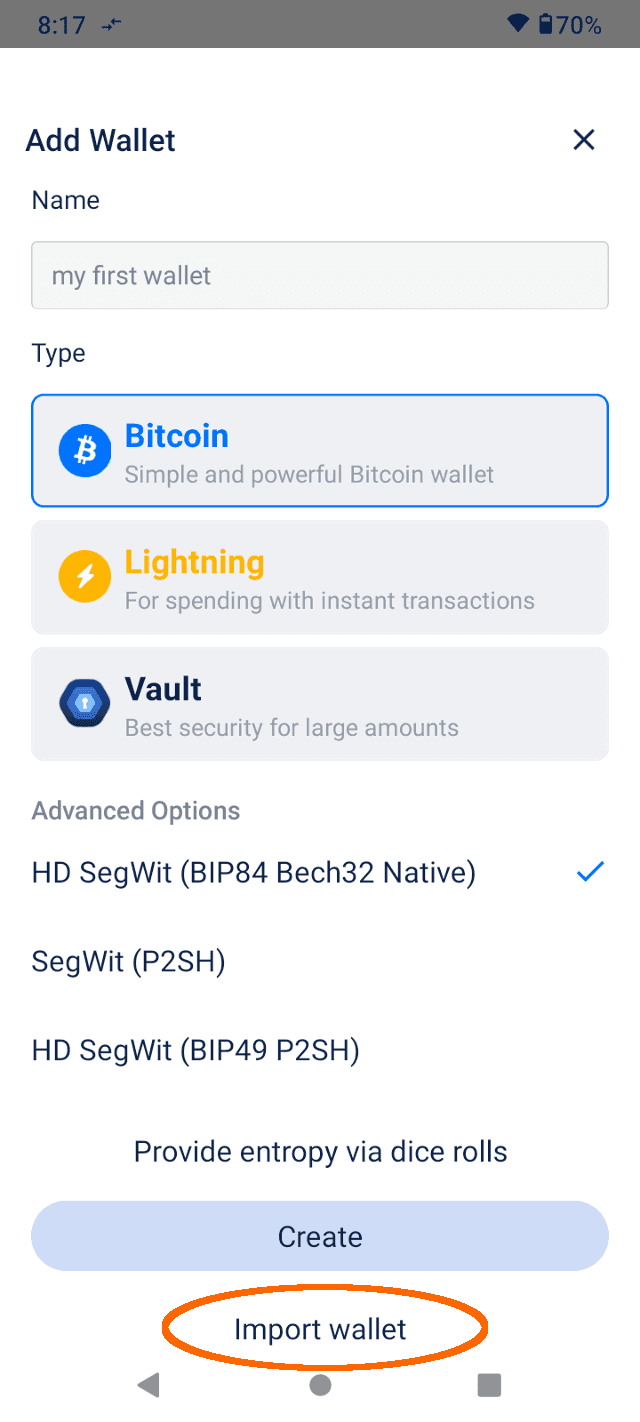
- In the screen that appears, enter your 12 or 24 word seed phrase.
Important: the words must be in the correct order.
If the wallet you are restoring has a passphrase, enable the Passphrase switch, as shown below.
Otherwise, leave that option disabled.
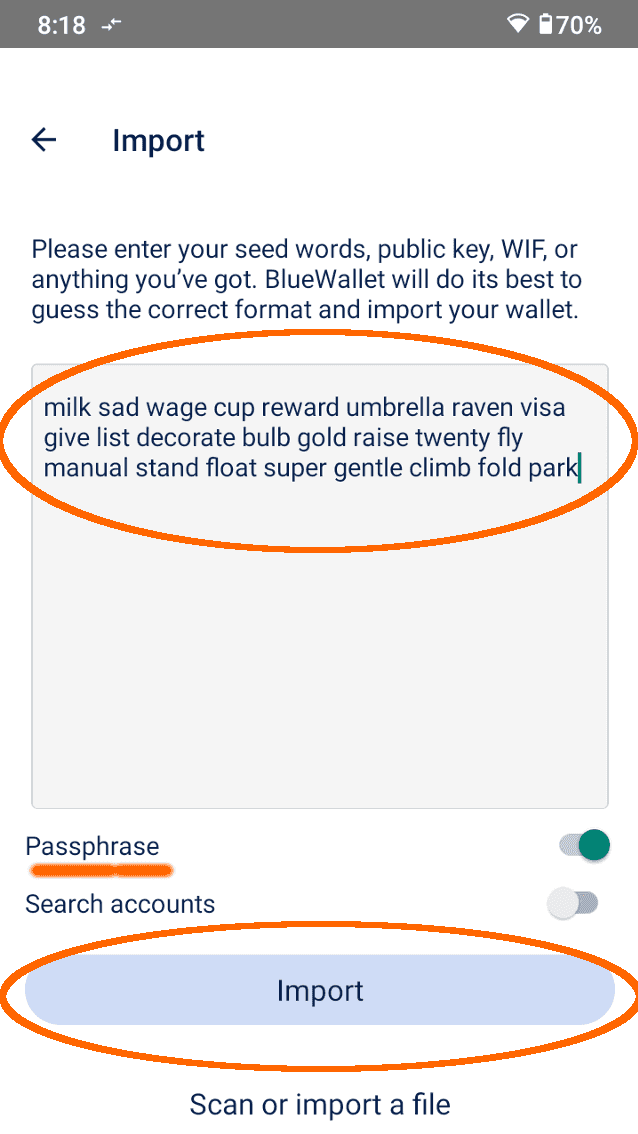
Finally, tap on Import .
If you enabled the Passphrase option in the previous screen, you will be prompted to enter it now.
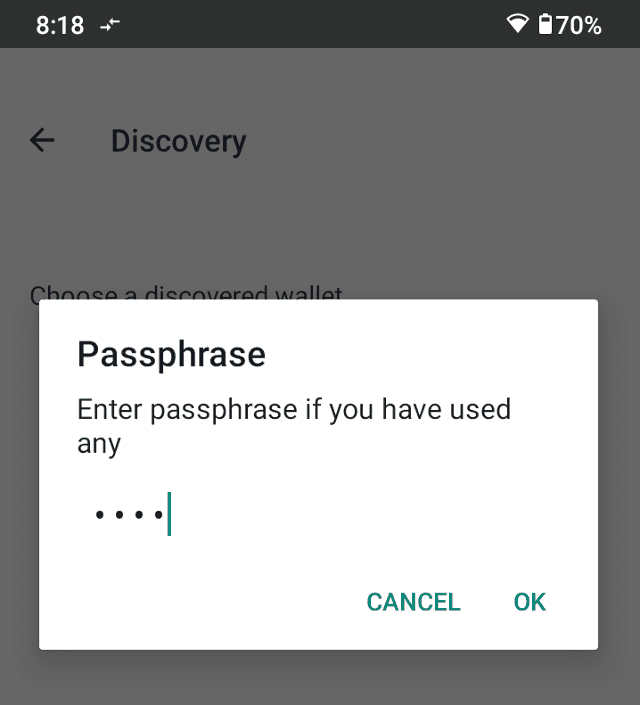
And you're done! The app will do all kind of address searches and then will show you the total balance for your wallet.
If you expected to see some bitcoin in that wallet but your balance is zero and the wallet is not showing any transactions, likely you made a mistake along the way.
If that is your case, you may want to delete the wallet from the app and start again.
Restoring as a "cold wallet"
A cold wallet, also known as a hardware wallet, is a specialized device that is kept offline, isolated from the internet, and other potential security threats. It's specifically designed to enhance the security of Bitcoin holdings.
The role of a cold wallet is to:
- Store your wallet info
- Provide the necessary data for a connected, readonly wallet
- Sign transactions, ex: when you want to send bitcoin to an address
Here are a few hardware wallet brands and links to how to restore (import) an existing wallet: